
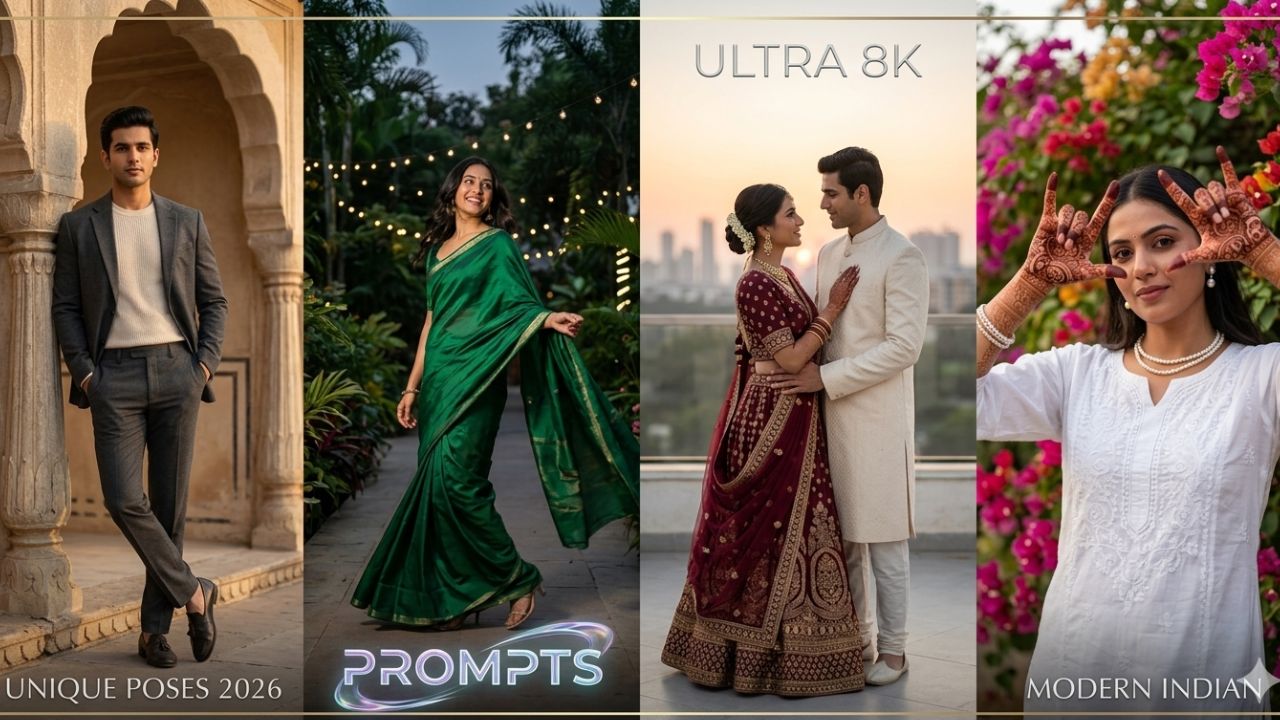
Free Gemini AI Saree Photo Editing 12 Prompts for Girls
The “Vintage Saree” trend on Gemini is currently viral, largely thanks to its ability to turn a simple selfie into a 90s-style Bollywood poster or a high-fashion editorial shot.
To get the best results, use the Nano Banana 2 tool within Gemini. Simply upload your photo and paste one of the prompts below.
📸 12 Viral Gemini AI Saree Prompts
| Theme | Prompt for Gemini AI |
| 1. 90s Bollywood | “Convert this photo into a 90s dreamy Bollywood photo with a grainy film effect. The subject is in a green field with snowy mountains, wearing a bright yellow chiffon saree, small bindi, and soft mascara. 100% same facial features.” |
| 2. Shimmering Black | “Turn this person into a 90s retro-inspired portrait wearing a shimmering black chiffon saree. Background is a deep-toned wall with dramatic shadows and golden-hour lighting. Expression is mysterious and elegant.” |
| 3. Royal Banarasi | “Reimagine this photo as a timeless portrait draped in a heavy golden Banarasi silk saree. Add a fresh jasmine flower (gajra) in the hair. Lighting is warm, artistic, and glowing against a textured vintage studio backdrop.” |
| 4. Rainy Romance | “Transform the uploaded photo into a cinematic 90s Bollywood rain sequence. The girl is wearing a dark teal saree, drenched in rain, with wet hair. Moody, romantic lighting with realistic raindrops and a soft focus background.” |
| 5. Retro Polka Dot | “Create a realistic portrait of the woman in a translucent white polka-dot saree with a matching sleeveless blouse. Retro winged eyeliner, soft pink flower behind the ear, and 70s-style cinematic side-lighting.” |
| 6. Golden Hour Glow | “A softly lit portrait of the girl in the image wearing a beige tissue saree with a black velvet blouse. Use cinematic golden-hour sunlight streaming through a window, highlighting the face and hair texture naturally.” |
| 7. Classic Red Diva | “Drape the subject in a flowing red chiffon saree with a sleeveless blouse. Hair in soft, voluminous waves. Background is a minimalist warm-toned wall with a distinct shadow of her profile. 4K hyper-realistic quality.” |
| 8. Aesthetic Brown | “Create a retro vintage, grainy but bright image. Subject is draped in a Pinterest-aesthetic brown retro saree. She has a small flower tucked in her curls. Windy environment with hair blowing slightly across the face.” |
| 9. Pastel Picnic | “Convert this photo into a vintage pastel look: light pink organza saree, hair in a neat bun, minimal pearl jewelry. She is seated on green grass in a sun-drenched meadow with soft film grain.” |
| 10. Divine Radha | “Transform the subject into a young woman in divine-inspired attire: a flowing lavender and gold saree. One hand in a soft mudra, hair loosely braided with fresh flowers. Serene expression, sitting in a three-quarter profile.” |
| 11. Urban Chic | “A trendy girl in a vibrant multi-colored saree walking down a busy urban street at dusk. Candid street photography vibe, cinematic lens flare, city lights blurred in the background, 9:16 aspect ratio.” |
| 12. Minimalist White | “A high-fashion editorial shot. The girl is wearing a crisp white cotton saree with a thin gold border. Plain terracotta wall background, hard-edged shadows, 85mm lens style, focusing on natural skin texture and elegant posture.” |
💡 Tips for Perfection
-
Keep the Face Consistent: Always include phrases like “Keep original facial features” or “100% same face as reference” to ensure the AI doesn’t change your look.
-
Lighting is Key: Phrases like “Golden hour,” “Cinematic shadows,” or “Soft window light” make the image look like a professional photoshoot rather than an AI edit.
-
Aspect Ratio: If you want these for Instagram Stories or Reels, add “9:16 aspect ratio” at the end of your prompt.
Would you like me to generate one of these images for you now, or should I refine a specific prompt for a different color saree?