
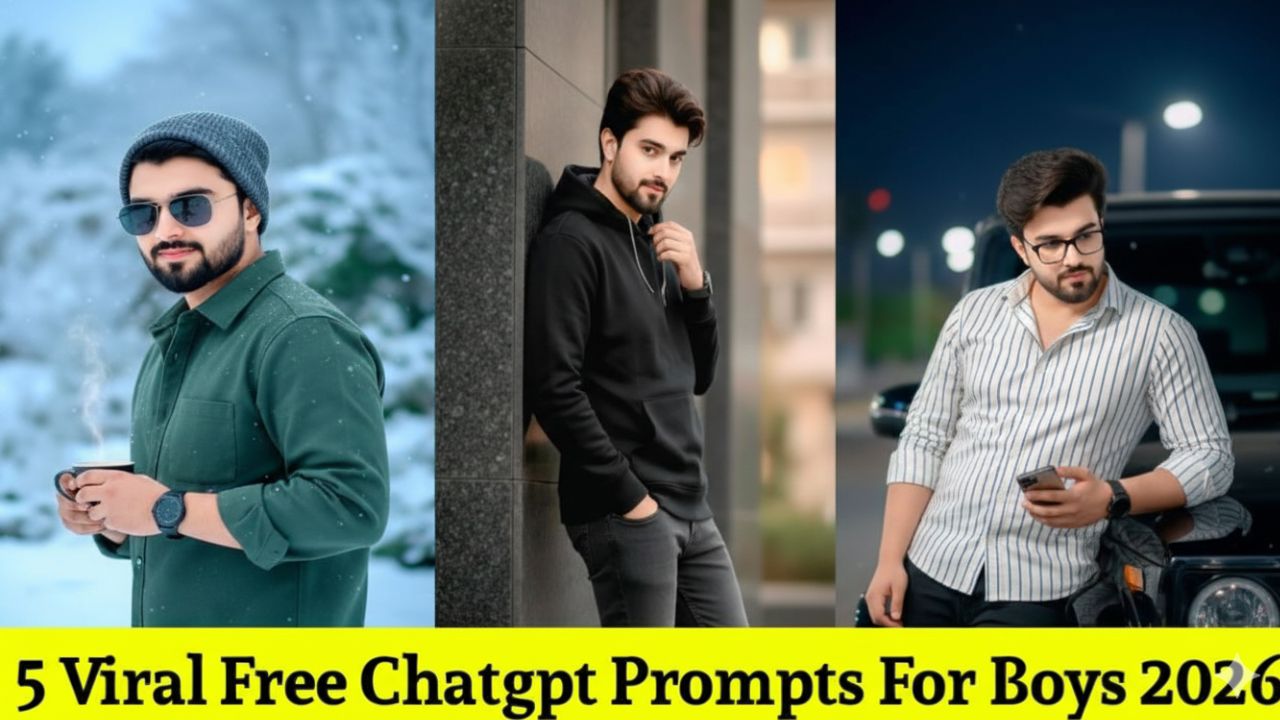
5 Viral Free ChatGPT AI Photo Prompts for Boys: Create Trending Edits Fast in 2026
In 2026, the trend for boys has moved away from over-saturated filters toward Cinematic Realism and Quiet Luxury. Using Gemini or ChatGPT (DALL-E 3) with your own photo as a reference is the fastest way to get these “Main Character” edits.
Here are the 5 most viral, copy-paste ready AI prompts for boys this year:
1. The “Golden Hour Rooftop” (Quiet Luxury)
This is the #1 trending look for 2026. it creates a high-end, aspirational vibe that looks like a professional fashion campaign.
Prompt: Using the attached photo for facial reference, place me on a skyscraper rooftop in Dubai at golden hour. I am wearing a black cashmere turtleneck and tailored grey trousers. Create a strong silhouette with golden rim lighting and natural lens flare. 8K resolution, cinematic depth of field, and realistic skin texture.
2. The “Cyberpunk Urban” (Neon Street)
Perfect for night shots where you want to look edgy and tech-forward.
Prompt: Transform this photo into a gritty, cinematic street-style portrait. Change the background to a rainy Tokyo alley at night with glowing blue and magenta neon signs. Add realistic reflections on my face, soft motion blur in the background, and a “Teal and Orange” color grade. Keep my facial features 100% authentic.
3. The “90s Vintage Film” (Analog Retro)
The “Old Money” aesthetic is still huge, but in 2026 it’s mixed with a raw, 35mm film grain look.
Prompt: Edit this photo to look like a candid 35mm film shot from the late 90s. Add subtle film grain, slight light leaks, and muted vintage colors. I should be wearing a vintage leather jacket over a plain white tee. The setting is a minimalist concrete wall with harsh afternoon shadows. Avoid any AI smoothing—keep it raw.
4. The “Phone Flash” Candid (Streetwear Look)
This mimics the “paparazzi” style that’s viral on Instagram Reels. It looks unposed and authentic.
Prompt: Apply a “Phone Flash” effect to this image. The lighting should be harsh and direct, creating deep shadows behind me against a dark parking lot background. I am wearing an oversized streetwear hoodie and cargo pants. Add visible image noise and a slight motion blur as if I’m walking mid-step.
5. The “Professional Executive” (LinkedIn Glow-up)
For a polished, high-authority look that doesn’t feel “fake.”
Prompt: Re-render this photo as a professional studio portrait. Change my outfit to a sharp charcoal blazer over a crisp white shirt (no tie). Use soft Rembrandt lighting with a neutral grey background. Focus on high-definition facial details, sharp iris clarity, and a confident, friendly expression. DSLR quality.
💡 Pro-Tips for Fast Edits:
-
The “Identity Lock”: Always start your prompt with “Using the attached photo for facial reference” and end with “Keep my facial features and identity 100% unchanged” to avoid the AI making you look like a different person.
-
Fabric Details: Mentioning specific materials like “linen,” “cashmere,” or “leather” helps the AI render high-quality textures that make the edit look expensive.
Would you like me to tweak one of these prompts to include a specific car or city background you like?