
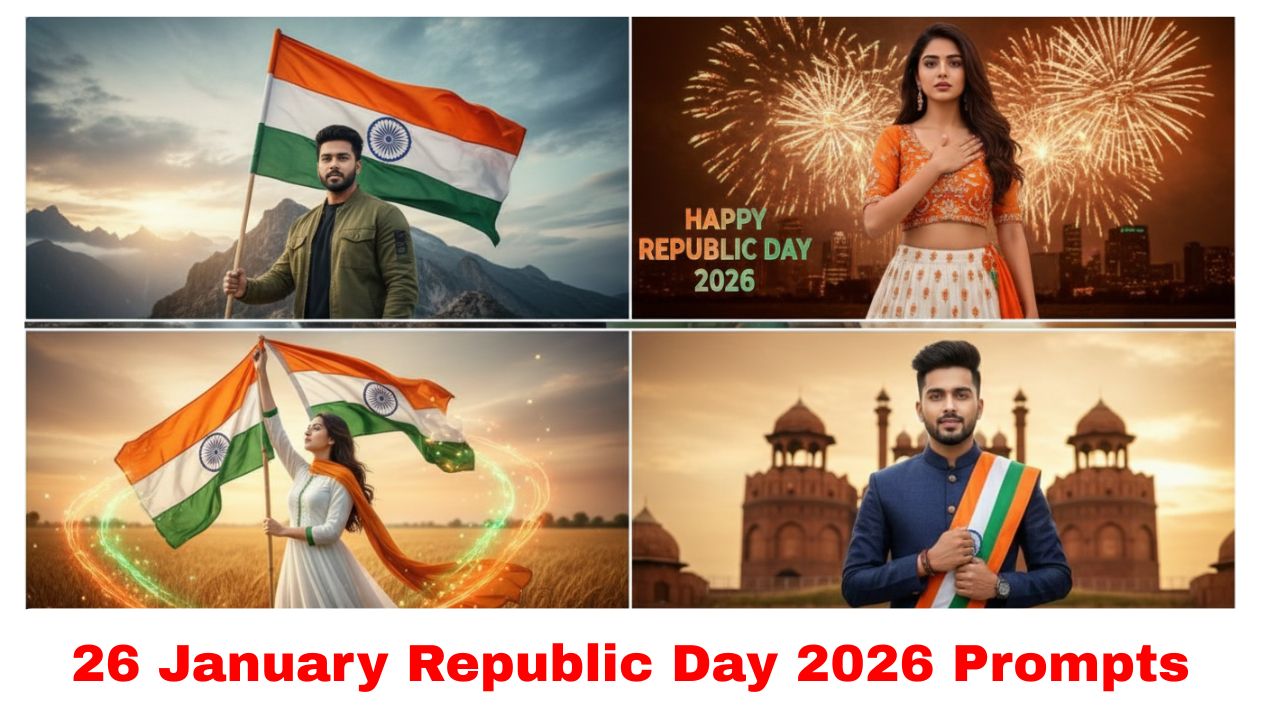
Top 10 Google Gemini AI Photo Editing Prompt For 26 January Republic Day 2026
Republic Day 2026 is the perfect time to use Google Gemini’s “Nano Banana” (Gemini 2.5/3 Flash) image model to create stunning patriotic photos. Whether you’re looking for social media DP-style edits or cinematic posters, here are the top 10 prompts tailored for January 26, 2026.
1. The “Patriotic Reflection” Selfie
Prompt: “Edit this selfie to have the Indian tricolor (Saffron, White, Green) reflected realistically in my aviator sunglasses. Behind me, the sky is filled with tricolor smoke trails from an Air Force flypast. Use a cinematic depth of field with a focus on the face.”
2. The Modern Freedom Fighter
Prompt: “Transform my photo into a modern patriot wearing a crisp white cotton kurta and a khadi vest. Place me on a hilltop at sunrise with the Indian flag waving majestically in the background. Apply golden hour lighting and 8K ultra-realistic textures.”
3. The Kartavya Path Grand Parade
Prompt: “Take this photo and place me standing at the edge of Kartavya Path during the Republic Day Parade. In the background, show perfectly synchronized marching armed forces and fighter jets overhead. Add the text ‘Republic Day 2026’ in elegant gold typography at the bottom.”
4. The 3D Glass Name Art (Social Media Special)
Prompt: “Create a 3D glass-style portrait of a young Indian man/woman (specify) sitting on a large ’26 JANUARY’ text made of ice. Background shows a blurred India Gate and tricolor lights. The subject is wearing a white hoodie with ‘INDIA’ written on it in saffron.”
Top 10 Google Gemini AI Photo Editing Prompt For 26 January Republic Day 2026
5. Unity in Diversity (Mosaic Style)
Prompt: “Recreate my photo so that my silhouette is formed by a mosaic of tiny icons representing India’s cultural heritage—folk dancers, monuments, and various regional festivals. The overall color palette should be the Indian tricolor with soft ambient lighting.”
6. The “Ashoka Chakra” Glow
Prompt: “Edit this portrait to have a glowing, holographic Ashoka Chakra floating behind my head like a halo. Apply a cool blue and white lighting effect to my face, and change my clothes to a formal blazer with a small tricolor pin on the lapel.”
7. Historical Tribute (Sepia Blend)
Prompt: “Blend my current photo with a vintage, sepia-toned background of the first Republic Day in 1950. My image should remain in color but with a slight film-grain effect, symbolizing a bridge between the past and the future of India.”
8. The Tricolor Smoke Aura
Prompt: “Add a dynamic ‘Smoke Art’ effect to my photo where vibrant saffron and green smoke swirls around me, forming the map of India in the background. Ensure the smoke looks photorealistic with high-resolution particles and dramatic lighting.”
9. The Little Patriot (Child Photo Edit)
Prompt: “Edit this child’s photo to show them holding a small Indian flag, standing in front of a giant mural of the National Emblem (Ashoka Pillar). Make the lighting soft and warm, with flower petals falling in the air to create a joyful, celebratory mood.”
10. The Cyber-Patriot 2026 (Futuristic Style)
Prompt: “Transform my photo into a futuristic 2026 ‘Digital India’ theme. Add neon tricolor lines glowing on my clothes and a digital HUD (Heads-Up Display) in the air showing ‘Republic Day 2026’. The background should be a futuristic, high-tech version of New Delhi.”
How to use these in Google Gemini:
-
Upload your photo to the Gemini app or gemini.google.com.
-
Copy and paste one of the prompts above.
-
Refine: If the result isn’t perfect, say “Make the lighting warmer” or “Make the flag more prominent” to adjust the image.
Would you like me to help you refine one of these prompts for a specific photo you have in mind?
more prompts👈👈👈