
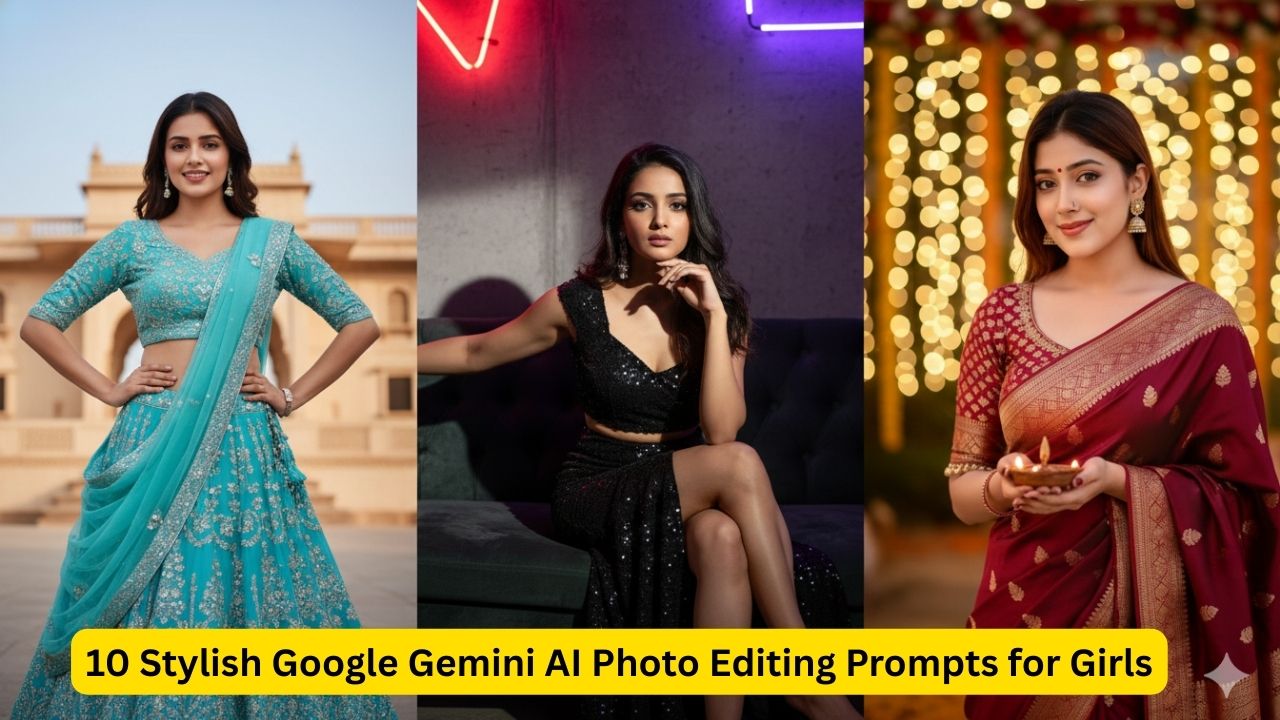
10 Stylish Google Gemini AI Photo Editing Prompts Copy-Paste for Girls 2026
In 2026, the trend has moved away from “perfect” AI and toward authenticity. To get the best results with Gemini (Nano Banana), you should upload your original photo and use these specific prompts to enhance the lighting, background, or vibe while keeping your facial identity 100% intact.
Here are 10 stylish copy-paste prompts for various aesthetics:
1. The “Phone Flash” Night Aesthetic
Perfect for that “candid night out” look with a raw, unfiltered Instagram vibe.
Prompt: Using this photo as a reference, apply a harsh phone flash effect. Add deep shadows, visible film grain, and a slightly dark parking lot background. Keep my face and outfit identical, but make the lighting look like a late-night candid shot.
2. Quiet Luxury (Old Money Style)
Transforms your photo into a high-end editorial shot with soft, expensive-looking lighting.
Prompt: Edit this image into a “Quiet Luxury” aesthetic. Change the background to a blurred European garden or a minimalist stone balcony. Use soft, diffused natural daylight, enhance fabric textures, and apply a warm, desaturated “old money” color grade.
3. Golden Hour Glow-Up
The ultimate “sun-kissed” look that looks professional but natural.
Prompt: Transform the lighting in this photo to 5 PM golden hour. Add a soft orange glow to my skin, subtle lens flares, and long, soft shadows. Keep my features exactly the same but make the overall vibe warm and ethereal.
The Future of Influence: 10 Viral Gemini Prompt Trends for Girls in 2026
4. Urban Streetwear (Motion Blur)
Gives your photo a dynamic, “on-the-go” feel popular with Gen-Z influencers.
Prompt: Place me in a busy, neon-lit Tokyo street at night. Keep my outfit and face the same, but add a subtle motion blur to the background traffic. Use high-contrast lighting and a “Teal and Orange” cinematic color grade.
5. The “Clean Girl” Studio Look
For a crisp, professional-looking portrait that works for LinkedIn or high-end social profiles.
Prompt: Using my face as a reference, create a clean minimalist studio portrait. Change the background to a solid off-white wall. Use soft studio lighting (Rembrandt style) with no harsh shadows and high-definition skin texture.
6. Vintage 35mm Film (90s Retro)
Mimics the look of a real film camera from the 90s.
Prompt: Edit this photo to look like it was shot on a 35mm vintage camera. Add light leaks, subtle dust particles, and soft film grain. Mute the colors slightly and give the highlights a soft “halation” glow.
7. Soft Pastel “Dreamy” Vibe
Perfect for Pinterest-worthy, soft-girl aesthetic photos.
Prompt: Apply a soft-focus “dreamy” filter to this photo. Change the background to a blurred field of lavender or pink flowers. Use pastel color grading and ensure my skin has a natural, pearlescent glow.
8. The “Mirror Selfie” Elevator Look
A classic influencer trend that adds an instant “luxury lifestyle” upgrade.
Prompt: Re-render this photo as if I am taking a mirror selfie in a modern, glass-walled luxury elevator. Add realistic reflections, soft overhead LED lighting, and keep the composition sharp and high-fashion.
9. Dark Academia (Moody Librarian)
For a moody, intellectual, and sophisticated aesthetic.
Prompt: Edit this image into a Dark Academia style. Change the background to a dimly lit vintage library with warm lamp lighting. Enhance the rich browns and deep greens in the photo and add a subtle moody vignette.
10. The “No-Filter” Authenticity Filter
The 2026 “anti-AI” look that actually uses AI to make photos look more human.
Prompt: Subtly enhance this photo while keeping it looking “unfiltered.” Sharpen the iris detail in my eyes, add natural skin pores and texture (no smoothing), and adjust the white balance to look like raw smartphone photography.
💡 Pro-Tip for Best Results:
When you paste these into Gemini, make sure to add: “Keep my facial features and identity 100% unchanged” at the end of the prompt. This prevents the AI from “fixing” your face and keeps the photo looking like you.
Would you like me to take one of these and customize the color palette or background specifically for a photo you have in mind?