
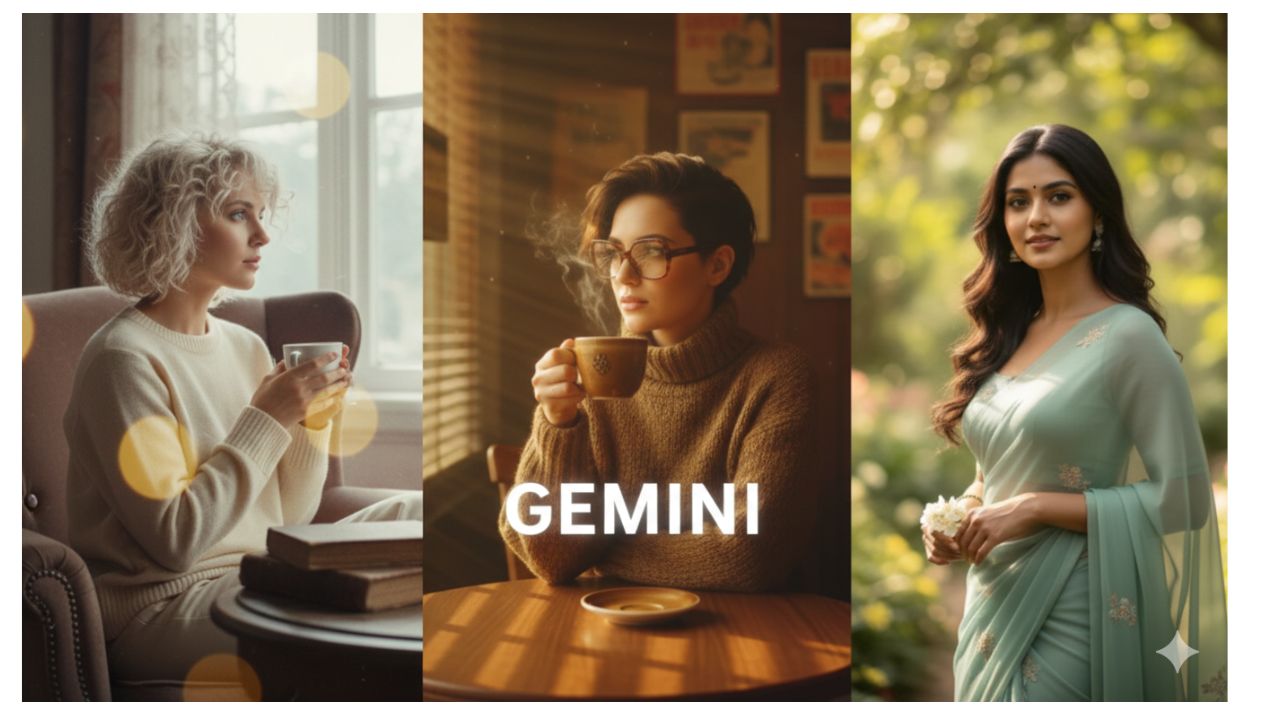
10 Gemini AI Prompt to Transform Your Selfies into 4K HD Realistic Retro AI Portraits for this
To transform your selfies into high-end, 4K realistic retro portraits, the key is to describe film stock, lighting, and period-specific textures.
Here are 10 tailored prompts for Gemini to turn your modern selfies into timeless masterpieces:
1. The 1970s “Kodachrome” Film Look
Prompt: “Transform my selfie into a 1970s realistic vintage portrait. Use the Kodachrome film aesthetic with warm skin tones, high contrast, and deep saturation. I am wearing a retro polo shirt. The background is a slightly blurred suburban street with a grain texture. 4K, hyper-realistic, 35mm lens.”
2. The 1990s “Flash Photography” Party
Prompt: “Recreate my selfie as a 1990s candid disposable camera photo. Use a heavy ‘direct flash’ effect that creates a slight shadow behind me against the wall. The image should have a lower dynamic range, slight motion blur, and a date stamp in orange text in the bottom right corner.”
3. The 1950s “Classic Hollywood” Noir
Prompt: “Convert this photo into a 1950s Black and White cinematic portrait. Use ‘Chiaroscuro’ lighting with dramatic shadows and sharp highlights. I am wearing a sharp vintage suit/dress. The texture should mimic fine-grain silver halide film. Ultra-HD, noir aesthetic.”
Top 10 Google Gemini AI Photo Editing Prompt For 26 January Republic Day 2026
4. The 1960s “Technicolor” Travel Slide
Prompt: “Edit my photo to look like a 1960s Technicolor travel slide. The colors should be vibrant but slightly shifted, with a dreamlike soft glow. Place me in a vintage airport lounge or a classic car. High grain, realistic film borders, 4K resolution.”
5. The 1980s “Polaroid Originals” Style
Prompt: “Transform this selfie into an authentic 1980s Polaroid 600 photo. The image should have a soft focus, slightly faded blacks, and that iconic square white border. Add realistic chemical streaks and a matte texture to the photo.”
6. The 1940s “Vintage Military” Journal
Prompt: “Recreate my selfie as a hand-colored 1940s photograph. Use muted, earthy tones with a slight sepia base. My clothing should be transformed into a vintage field jacket or wool sweater. Add subtle paper fold marks and worn edges to the image.”
7. The 1970s “Vinyl Record Cover” Aesthetic
Prompt: “Turn my photo into a 1970s psychedelic rock album cover. Apply a heavy ‘grainy’ filter, warm amber lighting, and a wide-angle lens distortion. The background should be a hazy, sun-drenched field with light leaks and lens flares. 4K realistic.”
8. The 1920s “Great Gatsby” Glamour
Prompt: “Transform my selfie into a 1920s ‘Orthochromatic’ film portrait. The image is black and white with high grain and a soft-focus lens. I am wearing a vintage tuxedo/flapper dress. The background is a luxurious Art Deco interior. Very high detail, period-accurate.”
9. The 1990s “Grunge” Street Style
Prompt: “Edit my selfie to look like a 90s grunge magazine feature. Use Fujifilm Superia aesthetic with slightly green-tinted shadows and a raw, gritty texture. I am wearing an oversized flannel shirt. The setting is an urban alleyway with a lo-fi, 4K realistic finish.”
10. The 1960s “Mod” Studio Portrait
Prompt: “Convert this photo into a 1960s ‘Mod’ fashion portrait. Use a clean, monochromatic white background with sharp, high-contrast lighting. The colors should be bold and primary. My hair and outfit should look professionally styled for 1966. 4K, sharp detail, vintage Vogue style.”
Pro-Tips for the Best Results:
-
Specify your gender: Add “man” or “woman” to the prompt so Gemini adjusts the clothing and hair accurately.
-
Lighting is key: If your selfie is dark, add “Correct the lighting to be bright studio light” to the prompt.
-
Aspect Ratio: You can ask Gemini to “Keep the aspect ratio 9:16” if you want it specifically for Instagram or TikTok stories.
Which era or style would you like to try first? I can help you customize one of these prompts for your specific outfit!